WordPress 7.0 launches on April 9, 2026, during WordCamp Asia. It ships with a native AI Client SDK, real-time collaboration, a rebuilt admin interface, and client-side media processing. WordPress had a turbulent 2025 with only two major releases due to the WP Engine legal dispute. Now it returns to full speed with the biggest platform update since the block editor arrived in 2018.
I have been following the WordPress 7.0 development cycle since the first beta dropped on February 20. Six betas and two release candidates later (RC2 shipped March 27), one thing is clear. This is not a routine version bump. WordPress 7.0 changes what your website can do at the infrastructure level. And most businesses are not ready for it.
Here is what each major feature means for your company. What could go wrong if you rush the upgrade? And exactly what you should do in the next 10 days.
What’s New in WordPress 7.0: The Big Picture
WordPress 7.0 marks the official launch of Phase 3 of the Gutenberg project, focused on collaboration and workflows. The development timeline tells a story. WordPress shipped only two releases in 2025: version 6.8 in April and 6.9 in December. The WP Engine lawsuit drained Automattic’s contributor capacity and forced the core team to prioritize stability over features. That delay pushed the major version bump into 2026.
Now the engine is running again. WordPress returns to a three-release cadence. Version 7.0 arrives in April, 7.1 is targeted for August 19, and 7.2 is expected around December 8. According to the Make WordPress Core release schedule, the final general release happens during WordCamp Asia Contributor Day.
The release lead is Matias Ventura, with tech leads Ella van Durpe and Mukesh Panchal. After six beta cycles and over 400 updates and fixes, the release is on track. WordPress 7.0 RC2 was published on March 27, confirming stability.
WordPress still powers 43.5% of all websites globally according to W3Techs. When a platform used by nearly half the internet makes a move this big, every business running WordPress needs to pay attention.
The AI Client SDK: Your Website Talks to AI Now
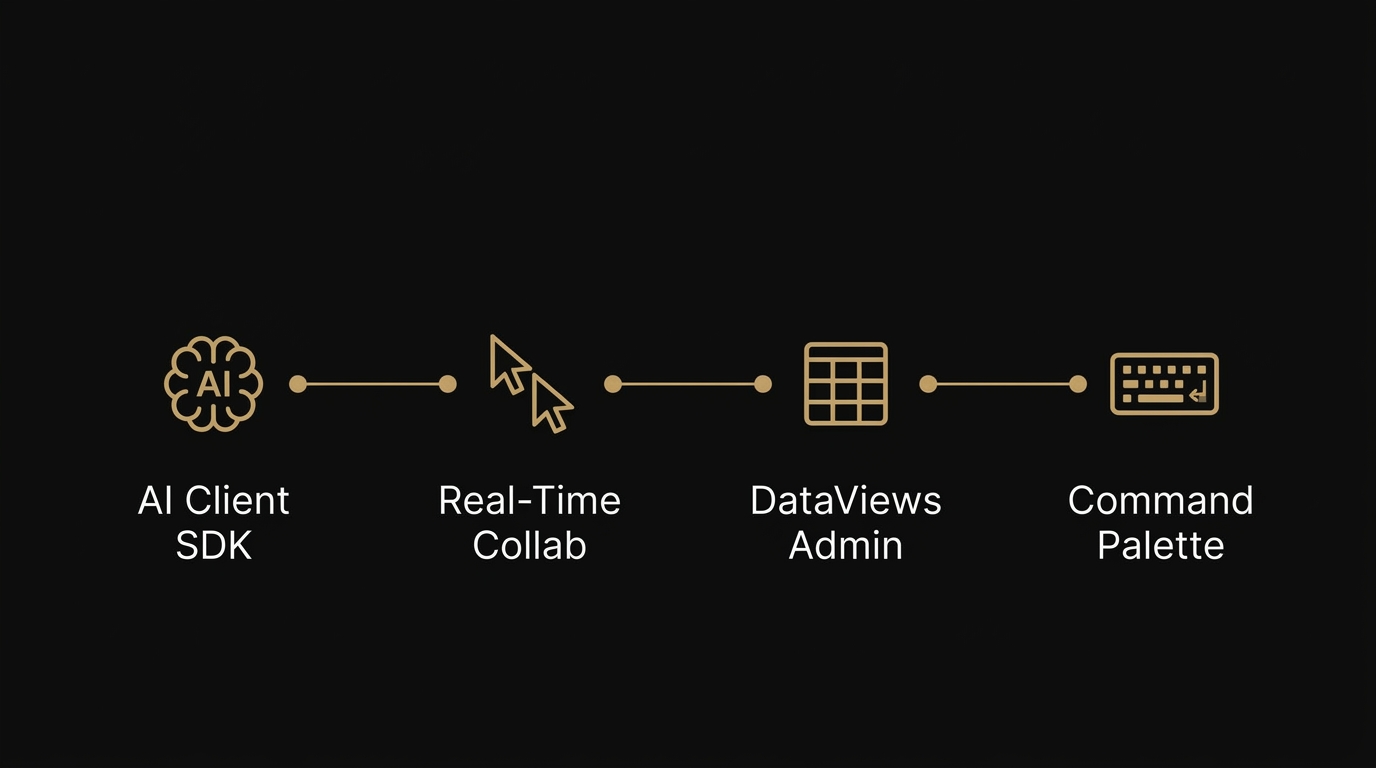
WordPress 7.0 introduces the WP AI Client, a core-level JavaScript API (wp.aiClient). It allows plugins and themes to integrate any AI model from any provider. This is infrastructure, not a chatbot plugin. It standardizes how WordPress communicates with AI services at the platform level.
What does that mean in practice? Three things.
The Connectors Dashboard lives at Settings > Connectors in wp-admin. Site owners can add connections to OpenAI, Anthropic, Google, or any supported AI provider from a central interface. No code changes needed. Beta 3 expanded this by dynamically registering providers from the WP AI Client registry beyond the three default options.
The Abilities API lets plugins and themes declare their capabilities so AI assistants can discover and use them. An AI agent interacting with a WordPress 7.0 site can understand what content it contains and what it can do. Content summarization. Intelligent internal search. AI-powered form processing. All running through your own WordPress installation, connected to the provider you choose.
Why this matters for your business: AI-powered search is growing at a staggering pace. ChatGPT processes over 2.5 billion queries daily. Google AI Overviews appear in roughly 30% of U.S. desktop searches. Gartner projects a 25% decline in traditional search volume by 2026. Generative AI will power 70% of all search traffic by 2028. The AI Client SDK positions WordPress as the first major CMS with native AI capabilities built into the editor. Your competitors using Webflow, Squarespace, or Wix do not have this at the platform level.
Here is what most agencies will not tell you. The AI Client alone makes WordPress 7.0 the most significant CMS update in years. And the vast majority of WordPress sites are not structured to take advantage of it. If you want your website to be visible to AI systems like ChatGPT, Gemini, Perplexity, and Claude, you need an AI-native WordPress development approach. Flipping the switch on a connector is not enough.
Real-Time Collaboration: Google Docs Inside WordPress
WordPress 7.0 brings Google Docs-style real-time co-editing directly into the block editor. Multiple team members can work on the same post or page at the same time. Live cursors show who is editing where. Data syncing works across locations. Offline edits sync automatically when connectivity resumes.
If you run a content team, you know the pain. Someone drafts in Google Docs. Someone else leaves comments. A third person copies the final version into WordPress and reformats everything. WordPress 7.0 eliminates that entire workflow.
The Notes feature (introduced in 6.9 and expanded in 7.0) takes this further. You can now leave threaded, block-level comments directly inside the editor. WordPress 7.0 adds fragment-level commenting. You can highlight specific text within a block and comment on that selection alone. No more “check the third paragraph” emails. The feedback lives exactly where it belongs.
For agencies managing client content, this alone justifies the upgrade. I have spent 12 years watching WordPress evolve from a blogging tool into a full site editor. Real-time collaboration has been the missing piece for teams. Now it ships as core functionality.
The Admin Gets a Reboot: DataViews and Command Palette
WordPress 7.0 replaces the legacy admin list tables with DataViews. It works like a modern app for managing posts, pages, users, and plugins. If you have ever felt that WP-Admin looks like it was designed in 2005, that changes on April 9.
The bigger productivity win is the Command Palette, introduced in Beta 5. Press Cmd+K (Mac) or Ctrl+K (Windows) from anywhere in wp-admin. You get instant access to every tool, setting, and action. Search for a page, jump to settings, toggle a plugin. All from the keyboard.
DataViews and the Command Palette transform the daily experience for anyone who works in wp-admin. Fewer clicks. Faster navigation. A backend that finally feels like a modern application.
What You Need to Do Before April 9
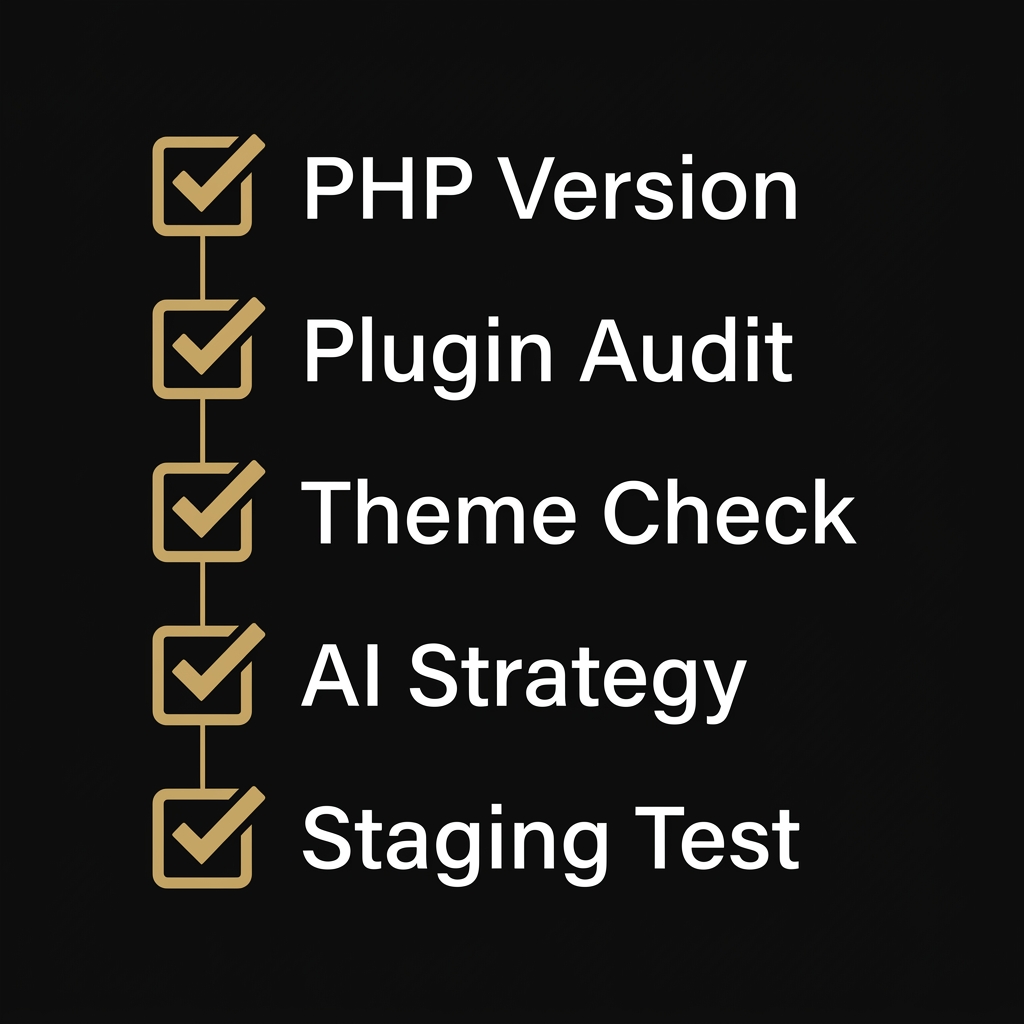
Every WordPress site owner should take these five steps before upgrade day. Rushing this upgrade without preparation is how sites break.
1. Check your PHP version. WordPress 7.0 requires PHP 7.4 minimum. PHP 8.3 or higher is strongly recommended. Contact your hosting provider if you are running an older version. This release drops support for PHP 7.2 and 7.3.
2. Audit your plugins. Test every active plugin against WordPress 7.0 RC2. The WordPress Playground provides a zero-risk browser-based testing environment. Pay close attention to page builders and any plugin that modifies the editor experience.
I manage WordPress sites for a few white-label clients. Some of these sites run page builders and plugin stacks that were never tested against WordPress 7.0. If those clients hit the update button on April 9 without checking compatibility first, their entire frontend goes dark. Check every builder dependency, every custom plugin, every theme hook before you touch that button on a production site. After 12 years of WordPress work, I can tell you this. The sites that break on major updates are always the ones where nobody tested first.
3. Evaluate your theme. Classic themes will continue to function. Block themes (Full Site Editing themes) get full access to WordPress 7.0 features, including real-time collaboration and AI integration. If your theme is more than two years old, consider upgrading. Our own Suzaku site currently runs on WordPress 6.9.4. We are planning our migration path to 7.0 with full compatibility testing before we make the jump.
4. Plan your AI strategy. The Connectors dashboard lets you connect to AI providers immediately after the upgrade. Decide now which AI services you want to integrate: content generation, search enhancement, customer interaction, or internal workflow automation. Do not figure this out after the fact.
5. Use a staging environment. Do not upgrade production on day one without testing. Clone your site. Run your critical workflows. Verify every form, every plugin, every custom function. Then deploy. Our WordPress 7 migration service exists because this step requires expertise that most in-house teams do not have yet.
Who Should Care Most About WordPress 7.0
Every WordPress site benefits from this update. Some businesses stand to gain (or lose) significantly more than others.
B2B companies where clients research solutions online before making contact. When a procurement manager asks ChatGPT for vendor recommendations, your site needs to be structured so AI systems can find and cite your content. WordPress 7.0’s AI Client SDK makes this possible at the platform level for the first time.
Companies with content teams. Real-time collaboration eliminates the Google Docs round-trip. If you publish regularly and multiple people touch your content, WordPress 7.0 pays for itself in saved time within weeks.
Businesses running page builders or heavy plugin stacks. You are the most at risk. The larger your plugin dependency chain, the more likely something breaks on upgrade. If an agency manages your WordPress site, ask them now: have you tested our site against WordPress 7.0? If they have not, or if they do not know what the AI Client SDK is, you may need a migration specialist who has followed this release cycle from day one.
Any organization that depends on online visibility for revenue. Zero-click searches rose from 56% to 69% between 2024 and 2025, according to SparkToro. AI-powered search is rewriting how people discover businesses. Schema App research shows a 19.72% increase in AI Overview visibility after implementing comprehensive structured data. WordPress 7.0 gives you the tools to build an AI-native company website that is visible on Google and across every major AI platform.
Frequently Asked Questions
Is WordPress 7.0 safe to install on launch day?
WordPress 7.0 is a stable general release, not a beta. The development cycle included six betas and two release candidates with hundreds of fixes. That said, always test on a staging environment first. Some plugins and themes may need updates for full compatibility. The risk is not WordPress core. The risk is your specific plugin and theme combination.
Will WordPress 7.0 break my existing site?
WordPress has strong backward compatibility. Your existing content and most plugins will continue to work. The main risks are themes relying on deprecated functions or plugins that conflict with the new editor. A pre-migration audit eliminates these risks before they become problems.
Do I need an agency for WordPress 7 migration?
The core update itself is simple. But activating the AI Client SDK, restructuring your theme, configuring connectors, and avoiding downtime? That takes WordPress 7.0 expertise. Most agencies have not tested the betas because the platform has not shipped yet. We have been tracking every release since February.
What is the AI Client SDK and do I need it?
The AI Client SDK (wp.aiClient) is a JavaScript API built into WordPress 7.0 core. It lets plugins and themes integrate any AI provider through a standardized interface. You do not need to use it on day one. But if you plan to add AI-powered content workflows, search enhancement, or AI agent integration, the SDK provides the foundation. Ignoring it means missing the biggest platform capability WordPress has added in years.
What PHP version does WordPress 7.0 require?
WordPress 7.0 requires PHP 7.4 minimum. PHP 8.3 or higher is strongly recommended for best performance and security. Support for PHP 7.2 and 7.3 has officially been dropped. Check your PHP version with your hosting provider before upgrading.
About the Author
Kevin Pantanella is the founder of Suzaku Productions, a Bangkok-based WordPress agency specializing in AI-native WordPress development. With over 12 years of WordPress experience, Kevin helps businesses across Thailand, Singapore, Hong Kong, and Europe build websites designed for both human visitors and AI systems.
Last Updated: March 31, 2026